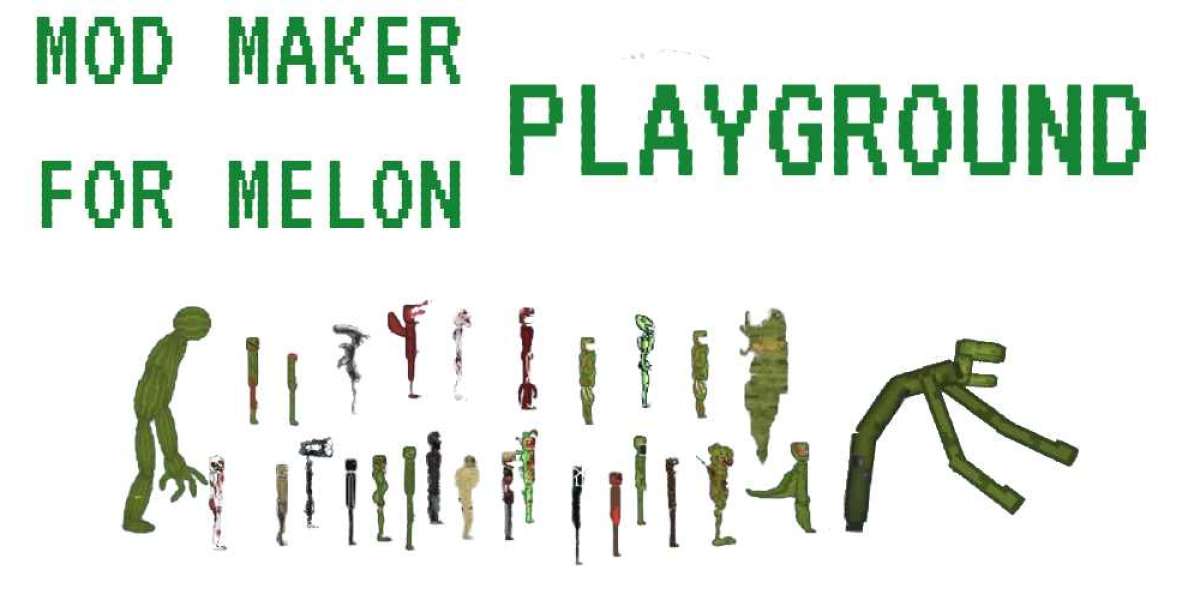

Instead, it relies on the oldest form of entertainment known to humanity: curiosity. This is the world of the physics sandbox, and currently, few titles capture the pure, unadulterated fun of "what happens if I do this?" quite like Melon Playground
If you have spent any time browsing app stores or browser-based gaming portals recently, you have likely seen the iconic, minimalist fruit-people that inhabit this world. While it may look simple—perhaps even crude—at first glance, Melon Playground is a masterclass in emergent gameplay. It is a digital laboratory where the laws of physics are yours to command, break, and experiment with.
What is Melon Playground?
At its core, Melon Playground is an open-ended physics simulation game. There are no "levels" to beat, no bosses to defeat, and no leaderboard to climb. You are presented with a blank canvas (the playground) and a massive toolbox filled with characters, weapons, vehicles, and environmental hazards.
The game is built around two distinct ways to play, which cater to different types of creative minds: the Director and the Engineer.
1. The Director (Scene Building)
For many players, the appeal lies in choreography. Using the intuitive touch or mouse controls, you can place characters (the eponymous Melons, Pumpkins, Corn, and Apples) in various poses, equip them with gear, and set up elaborate scenarios. Whether you are recreating a classic action movie standoff or a slapstick comedy routine, the game acts as a digital puppet theater.
2. The Engineer (Mechanical Logic)
The other side of the coin is for those who love to build. The game features a robust system of wires, pulleys, thrusters, and logic gates. You aren't just placing objects; you are connecting them. You can build a functioning car, a flying machine, or a complex Rube Goldberg machine that triggers a series of explosive events.
The Gameplay Experience: A Symphony of Physics
Starting a session in Melon Playground feels like opening a fresh bucket of building blocks. The interface is clean, usually featuring a sidebar menu categorized by type: Characters, Melee Weapons, Firearms, Explosives, Vehicles, and Machinery.
The Characters
The stars of the show are the "living" fruits. They have a ragdoll physics system that is surprisingly detailed. They possess skeletal structures and internal systems that react realistically (in a cartoonish sense) to impacts, gravity, and various items. Watching a character navigate a complex obstacle course you’ve built is a testament to the game’s physics engine.
Interaction and Combat
While the game is often associated with "action," the action is entirely player-driven. You can experiment with gravity modifiers, freeze time to perfectly position a scene, or use the "Motherboard" tool to automate movements. The combat mechanics are physics-based, meaning a sword doesn't just subtract "health points"—it interacts with the physical model of the character based on velocity and angle.
The Sandbox Freedom
The true magic of Melon Playground happens when these systems collide. For example, you might start by trying to build a simple catapult. In the process, you realize you can attach rockets to the projectile. Then, you decide to see if a character can ride that projectile. Suddenly, two hours have passed, and you’ve built a multi-stage rocket-launched fruit-delivery system. This "rabbit hole" effect is the hallmark of a great sandbox game.
Tips for Getting the Most Out of Your Playground
If you are new to the world of Melon Playground, the sheer amount of freedom can actually be a bit overwhelming. Here are a few tips to help you transition from a casual clicker to a master creator:
Master the "Freeze" Tool: One of the most important mechanics is the ability to freeze objects in mid-air. By double-clicking or right-clicking an object, you can lock it in space. This is essential for building tall structures or setting up complex scenes where you need objects to stay put until the physics simulation starts.
Layer Your Connections: When building vehicles or machines, don't just use one type of wire. The game offers rigid attachments, springs, and cables. Use springs for suspension and rigid wires for chassis. Understanding how these connections transfer force is key to building things that don't immediately fall apart.
Utilize Slow Motion: If you are trying to capture a specific "moment"—like a complex explosion or a high-speed crash—use the slow-motion toggle. It allows you to see the physics engine at work and make adjustments in real-time that would be impossible at normal speed.
The Power of the Context Menu: Every object in the game has a context menu. By interacting with an item directly, you can flip its direction, set it on fire, resize it, or change its physical properties (like making it weightless). Exploring these hidden settings is how you move from basic play to advanced "modding" within the game.
Save Your Creations: Don't let your hard work go to waste. The game allows you to highlight a group of objects and save them as a "Construction." This means you can build a perfect tank or house once and spawn it into any future map instantly.
